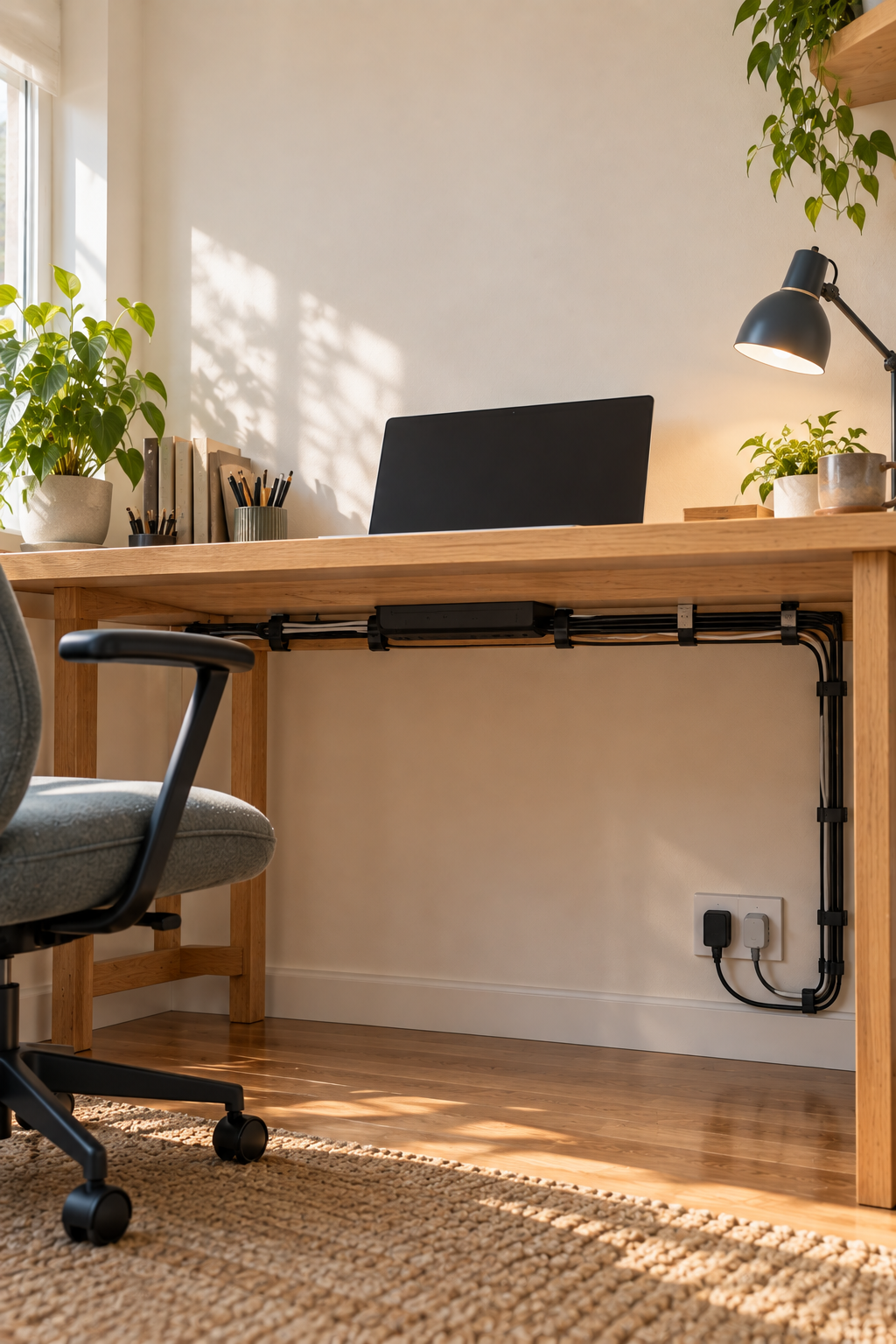
The cleanest-looking cable setup is not always the best one. If a power button, charger, or plug becomes difficult to reach, the system will be abandoned. The better goal is controlled visibility: hide the messy runs, keep service points accessible, and avoid creating heat or strain.
- Hide cable length, not important connection points.
- Keep adapters ventilated and power controls reachable.
- Use removable routing methods when the desk or equipment may change.
Choose three zones
Think of the setup as a source zone near the outlet, a service zone for the power strip and adapters, and a device zone where cables reach the desktop. The long runs can disappear. The service zone should remain easy to inspect without crawling behind furniture.
Use the back edge first
For many desks, the rear apron or underside back edge hides cables from normal view while keeping them close to the surface. Test the route with painter's tape before using clips. Make sure drawers, chair arms, and height-adjustment mechanisms can move freely.
Store excess length loosely
Loop extra cable in broad curves and secure it with a reusable tie. Avoid tight coils around power adapters and do not compress cords under heavy objects. Excess length should be easy to release when the desk moves, not sealed into a hard bundle.
Keep high-use plugs reachable
If you regularly unplug a laptop or charger, bring that connection to the side or rear edge you can reach from the chair. Hiding it deep under the desk adds friction every day. A neat single cable at the edge is often better than a fully invisible system you dislike using.
Respect power and heat
Never conceal a power strip inside a sealed box unless it is specifically designed for that use and the product guidance permits it. Keep liquids away and do not daisy-chain power strips. If a plug or adapter feels unusually hot, disconnect it safely and investigate rather than hiding it.
Plan for removal
Renter-friendly clips and hook-and-loop ties make sense when finishes are delicate or layouts change. Test adhesive in an inconspicuous place and follow removal instructions. Mechanical mounting can be stronger, but only use it where the furniture material and manufacturer permit.
Sit at the desk and identify the two plugs you need most often. Design the hidden route around keeping those two accessible instead of hiding every connection equally.